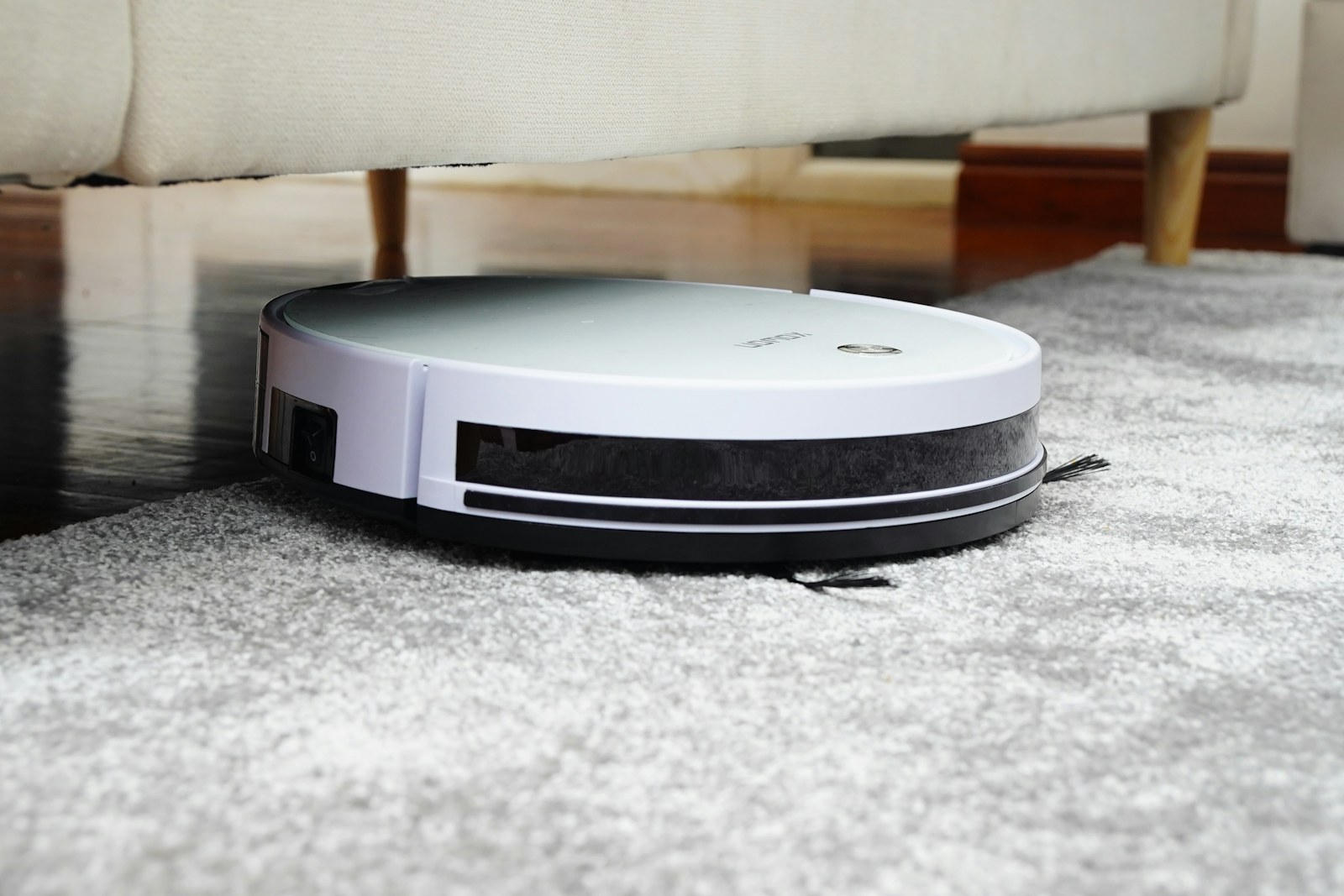
Maintenance is not only about cleanliness. It protects suction, battery runtime, navigation accuracy and the life of the dock. The right schedule depends on use, traffic and floor type, but this practical baseline works for most office fleets.
S1 Office service priorities
- Brush and airflow: remove hair and fiber before it reduces pickup or increases motor load.
- 8 L dock system: check bag status, inlet obstruction and service access.
- LiDAR and safety sensors: clean the sensor window and verify route recovery.
- Consumables: track filters, brushes and bags against actual operating hours, not calendar time alone.
- Route accuracy: review the map after major furniture or partition changes.
After each clean: quick checks
Remove visible hair from the main brush and side brush. Check the dust inlet for obstruction and confirm that the robot returned to the dock without an error. These checks take less than a minute in a normal home.
In a pet household or a home with long hair, inspect after every cycle. Hair that remains on the brush can reduce contact and increase motor load.
Weekly: airflow and dock care
- Empty or inspect the dust bag and dust bin.
- Remove hair from the brush ends and side brush.
- Wipe the dock inlet and charging contacts with a dry or slightly damp cloth.
- Check the mop pad and discard debris from the wash tray.
- Confirm that the robot charges fully and leaves the dock normally.
Do not use a wet cloth on exposed electrical contacts. Always follow the model manual for cleaning agents and drying time.
Monthly: filters, sensors and moving parts
Remove the filter and tap out loose dust away from the living area. Wash only the filter types that the manufacturer identifies as washable. A wet or damaged filter can restrict airflow and affect motor performance.
Clean the LiDAR window, front sensors and charging contacts. Inspect the wheels for hair and debris, and check that the brushes rotate freely. Use the app diagnostics if a component reports an error.
For a fuller dock, inspect the clean-water tank, dirty-water tank and wash tray. Follow the recommended drying cycle before storing the mop pad.
A robot that stays clear of hair and debris uses less energy, docks more reliably and delivers more consistent cleaning.
Seasonal: consumables and deeper inspection
Review the filter, brushes, mop pads, dust bags and battery health. Replace consumables when performance changes, not only when a notification appears. A slightly worn brush can be acceptable in a low-traffic home and inadequate in a pet household.
- Replace the filter when it remains discolored or airflow drops.
- Replace brush components when bristles or rubber edges are worn.
- Replace mop pads when they retain odor or no longer contact the floor evenly.
- Check battery runtime against the original routine.
Dock maintenance beyond emptying
Keep the floor around the dock clear. Inspect the ramp, contacts and wash tray for hair and residue. If the dock has a water connection, check the inlet and filter according to the service plan. A small leak or a blocked line should be addressed before the next scheduled clean.
Software and map hygiene
Install approved firmware updates when available. Review the saved map after major furniture changes and update no-go zones. A map that no longer matches the room can cause inefficient routes or unnecessary recovery.
If the robot begins taking a different route, check the map before assuming a hardware fault. Moving a chair or adding a rug can change the useful path.
When to book service
Contact support if the robot repeatedly fails to dock, reports a wheel or brush error after cleaning, loses suction after filter care, or shows a battery runtime drop that is not explained by settings. For commercial deployments, record the event and the route so the service team can diagnose it faster.
How often should I clean the filter?
Check it weekly and clean it monthly in a normal home. Pet households may need more frequent checks. Follow the model manual for whether the filter is washable.
Can I leave the mop pad on the dock?
Use the drying routine and follow the manual. A damp pad left for long periods can develop odor or affect cleanliness.
Do I need to update the map after moving furniture?
Review and, if needed, remap after a major layout change. Small moves are usually handled automatically, but a changed room boundary or no-go zone should be checked.