S1 Fleet: Coordinate the floor, not just the robot.
Multi-unit fleet coverage for larger, multi-floor properties.
Product overview
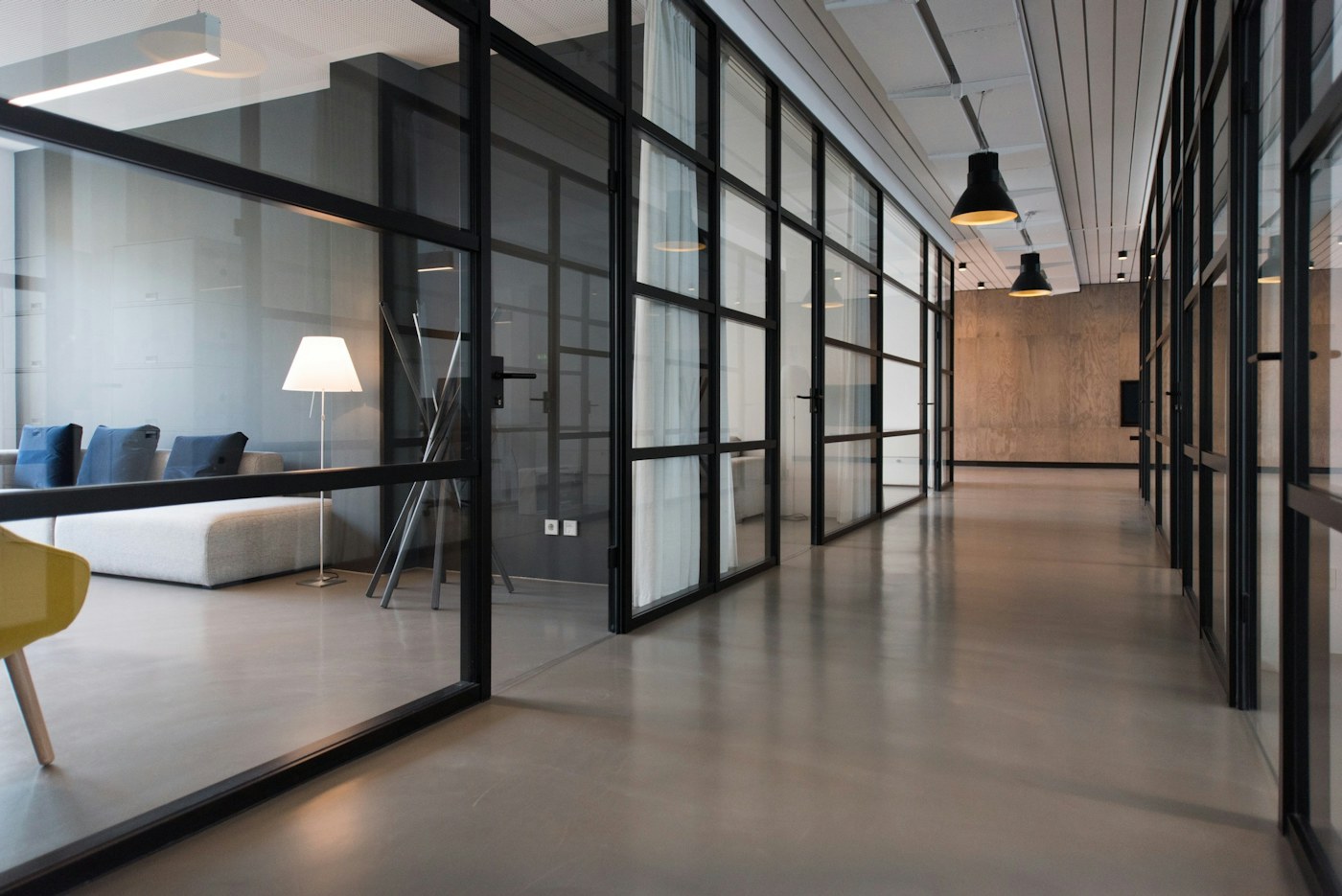
S1 Fleet is built for properties that need several cleaning robots working across zones and floors. The platform combines high-capacity cleaning with fleet visibility, route sequencing and a service plan for each site.
The strongest fit is multi-floor sites, large campuses and managed cleaning teams. Coordinate units, floors and operating windows from one deployment plan.
The published platform pairs 16,000 Pa suction with daily area of up to 3,000 sqm. That combination gives buyers a practical starting point, while the final configuration should still be checked against floor material, obstruction density, dock access and the operating window for the site.
Technical data
- Model
- S1 Fleet
- Dimensions
- 450 x 450 x 125 mm
- Suction
- 16,000 Pa
- Battery
- 12,000 mAh
- Daily area
- Up to 3,000 sqm
- Dock
- 10 L commercial
- Management
- Fleet dashboard
- Deployment
- Multi-unit
Applications
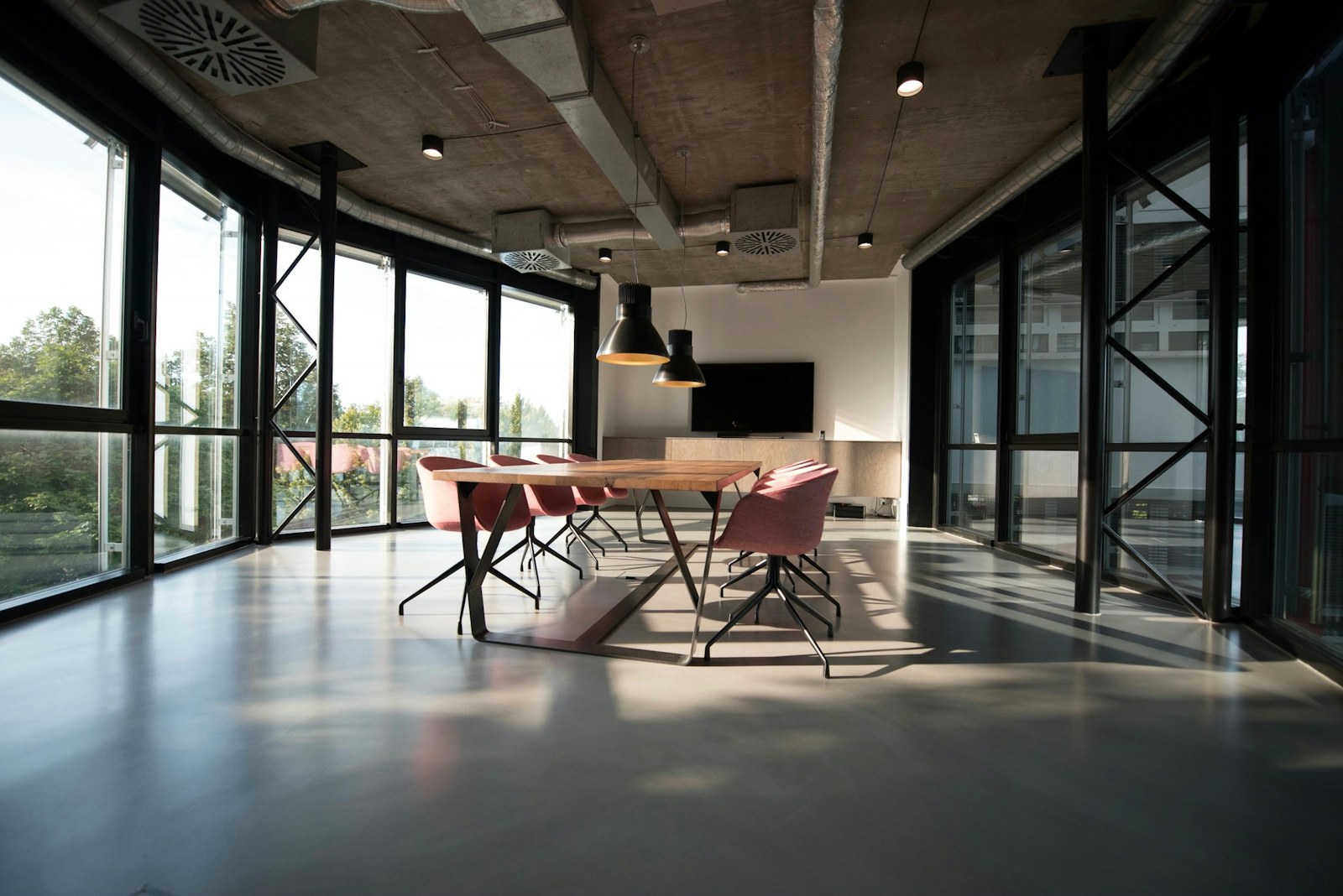
Multi-floor offices
Separate floor routes with centralized status visibility.
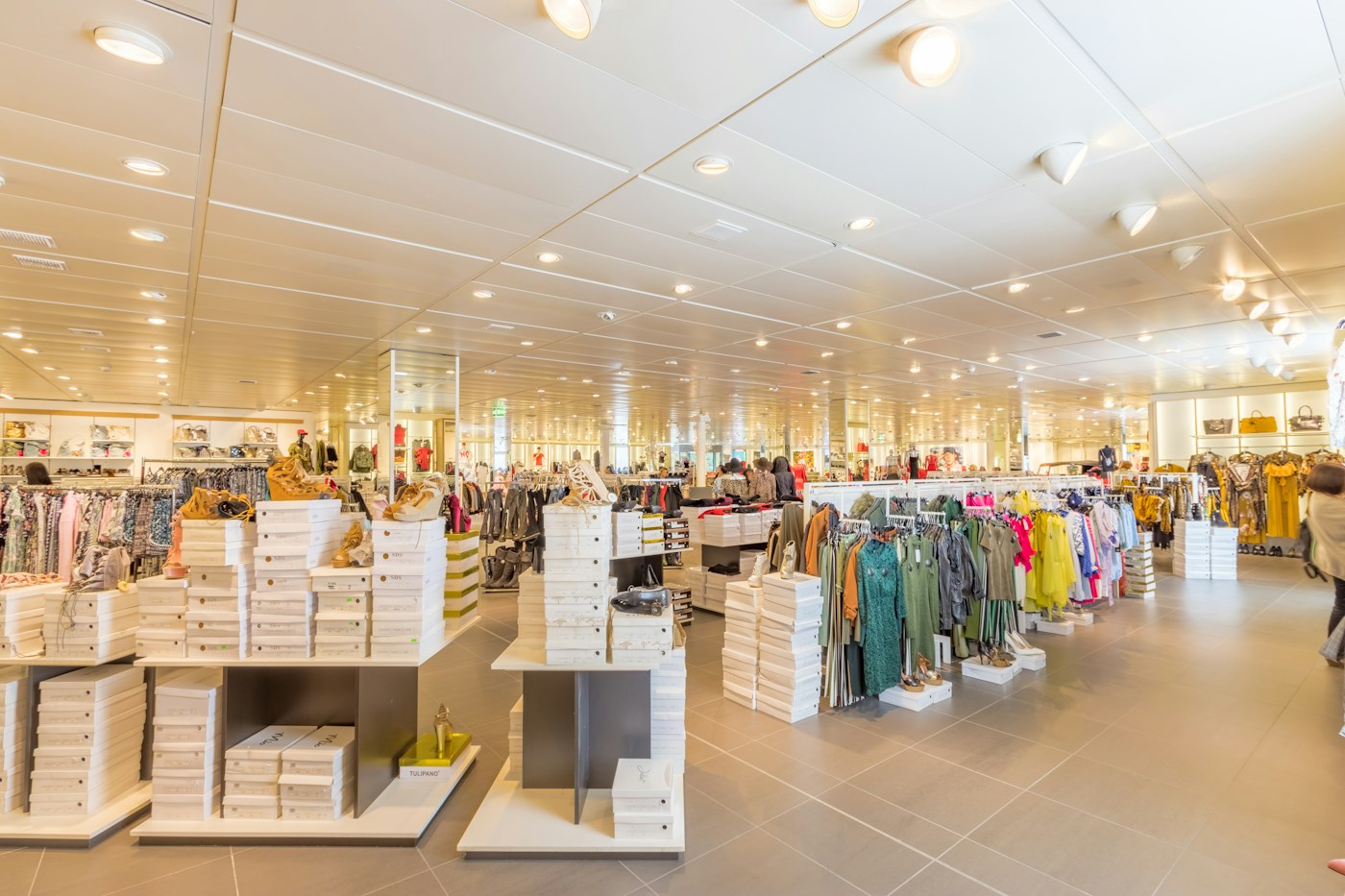
Large facilities
Route sequencing across several zones and service teams.
Managed properties
Documented operator roles and consumable planning.
Product features
Fleet dashboard
Task status and consumable visibility across units.
High-capacity dock
10 L commercial auto-empty configuration.
Route sequencing
Plan multiple units across zones and floors.
Process and result display
Assess
Review floors, zones, docks and network coverage.
Design
Assign units, routes and operating windows.
Pilot
Measure coverage, faults and service workload.
Scale
Add floors or units against documented results.
Appropriate when one S1 Office can no longer complete the schedule or when multiple units need central coordination.
Deployment profile
A reliable deployment starts by translating the room plan into a cleaning plan. For the S1 Fleet, the published daily or coverage range is up to 3,000 sqm. Treat that figure as a planning baseline rather than a promise: furniture, thresholds, mixed flooring, charging access and the time available for each cycle all affect the realistic route.
Multi-floor sites
Coordinate units, floors and operating windows from one deployment plan. Review floors, zones, docks and network coverage.
Dock and floor transitions
Confirm access to the 10 l commercial and review thresholds. The listed threshold guidance is the site-specific navigation plan; fixed furniture, cables and temporary objects should still be removed or mapped as restricted zones.
Operator ownership
Measure coverage, faults and service workload. Add floors or units against documented results.
Multi-floor pilot before fleet expansion
Corporate campus, three floors and approx. 4,800 sqm. The facilities team needed evidence from one floor before committing robots, docks and staff time to the full site. A single-floor pilot connected one unit to the fleet dashboard, with route, fault and service records reviewed at the end of the trial. The deployment plan can expand only after route coverage, intervention patterns and dock workload are understood by the operating team.
Maintenance and uptime
Cleaning performance depends on more than the initial route. Build a short care routine into handover so the robot, dock and accessories remain ready for the next cycle. The operator checklist should name who checks the system, how often and what counts as an exception.
- Every cycleConfirm the robot returns to the dock and completes its emptying or charging routine.
- WeeklyInspect the brush, filter path, sensors, mop pad and dock inlet for hair, dust or debris.
- MonthlyReview route exceptions, firmware status, brush wear and consumable stock against the site log.
- At handoverAgree an owner for consumables, service escalation and update approval before daily operation begins.
Accessory set, dock options, local requirements and warranty terms should be confirmed in the quotation before purchase.
Is it the right fit?
Good fit
- Large offices
- Multi-floor facilities
- Teams with a dedicated operator
Review before purchase
- Outdoor operation
- Stair transport without a procedure
- Sites without route ownership
Quick specifications
Is S1 Fleet the right fit for your space?
Share the floor type, area and operating routine. The xftech team will confirm the model, accessories and any boundary to review.